Plus, new episode of Send It!—driving repeat customers w/ email & SMS
Plus, new episode of Send It!—driving repeat customers w/ email & SMS
December 11, 2024 | Read Online








{{OPEN_TRACKING_PIXEL}}
Good morning! Chase and Jimmy here. 👋
Ever sent an email that felt like it could win awards—only to find out a chunk of your subscribers didn’t even see the whole thing? In fact, we had fallen victim to this just last week… Gmail clipping strikes again.
So, when life gives you lemons… you make a newsletter out of it!
Here’s the thing: Gmail’s 102KB limit can hide your best work and mess up your analytics. But don’t worry—there’s a fix! This week, we’re breaking down everything you need to know about Gmail clipping:
✅ Why it happens
✅ How it affects your campaigns
✅ The 10 Step Checklist to ensuring your emails don’t clip!
Ready to send emails your subscribers actually see? Let’s dive in.
But first, some quick goods:

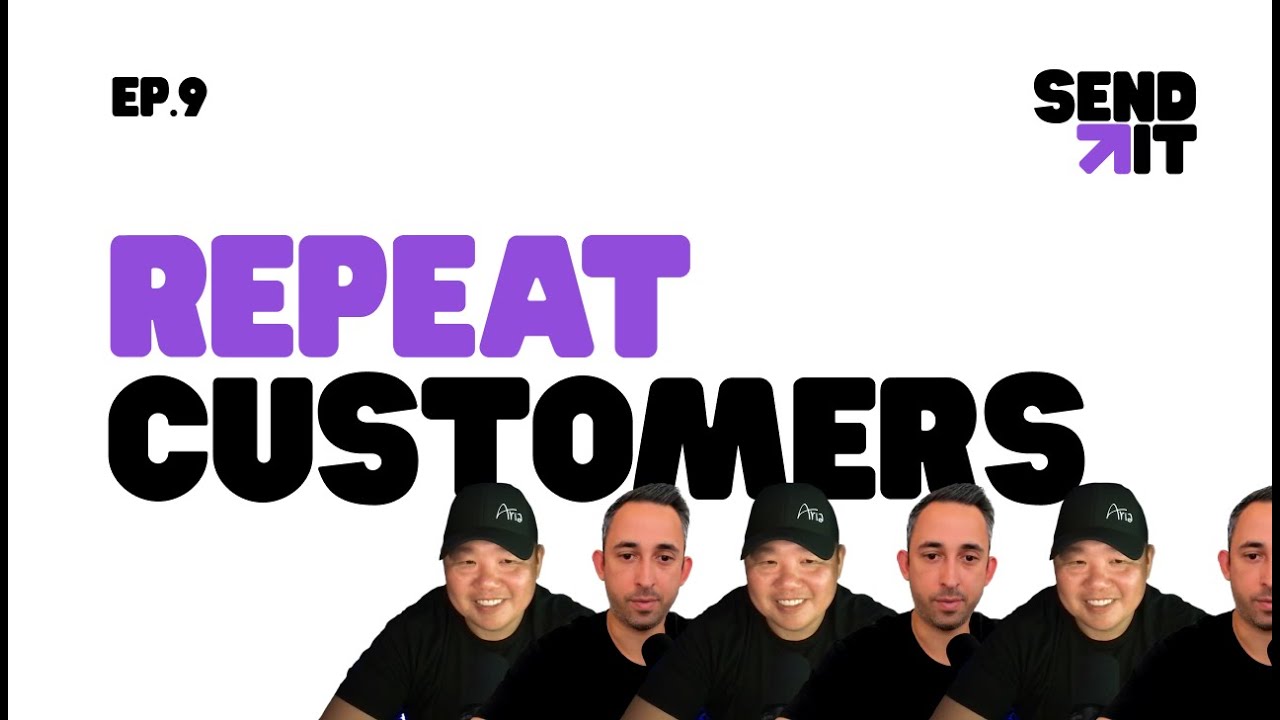
How to Turn First-Time Buyers into Repeat Customers with Email and SMS - EP9
In this latest episode of SendIt! we’re diving into the power of personalized communication, loyalty programs, and segmenting your audience to deliver targeted offers that keep customers coming back. Plus, we explore the metrics that matter—like repeat purchase rates and customer lifetime value—and share tips for leveraging tools to optimize your efforts.
Watch the full episode here now!
And a major thank you to our friends at Omnisend and AppBrew for sponsoring the show! Now, without further adieu, let’s send it—Watch the episode on YouTube or listen in on Spotify or Apple.

In DTC, “exciting” is great for your sales—not your reports. That’s why Omnisend just dropped something delightfully dull this week: smarter, streamlined reporting.
After listening to customer feedback Omnisend delivered reporting upgrades that let you:
Reporting that’s so intuitive, it’s almost boring. But hey—isn’t that exactly what you asked for? Try out beta for their all-new reporting here!
Have you thought about how you’re engaging with your customers after they hit that “buy” button?

Alright now the meat and potatoes you’ve been waiting for, let’s jump right in…
Subscribers not receiving your full email? That’s Gmail’s clipping feature at work.
When Gmail clips your email, it doesn't just hide your content—it breaks your tracking too. Your analytics gets skewed and you end up making decisions based on incomplete info.
What's worse? It happens every day. 😱
Good news though: fixing Gmail clipping isn't complicated once you know how.
In this post, we’ll break down exactly what Gmail clipping is, why it happens and stop it from chopping off your amazing campaigns.
Do me a favor: Open your Gmail and go through a few messages in your inbox. You’ll probably see something like this at the bottom of one of those emails.
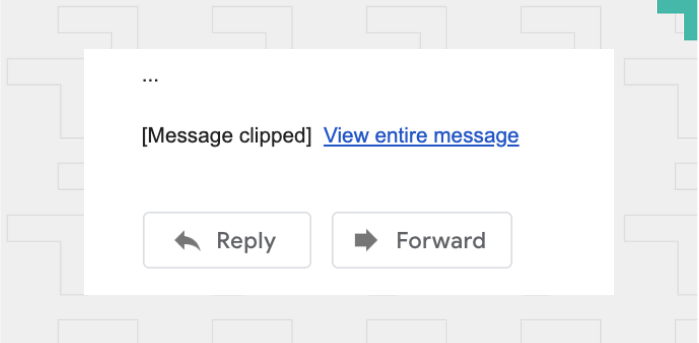
That's Gmail hiding parts of longer emails from view. Most of your subscribers never even notice these clipped sections, let alone click to expand them.
They're missing a large chunk of your email, and you're missing critical data.. because most open rate pixels (the invisible image that shows open rates) are generally hidden at the bottom of an email.
With clipping you get inaccurate analytics which leads to marketing decisions made in the dark.
Want to know what's behind email clipping? It all comes down to size.
Gmail has some pretty strict limits: once your email hits 102kb, it gets the chop. And let's face it—those aren't exactly generous limitations for modern email designs.
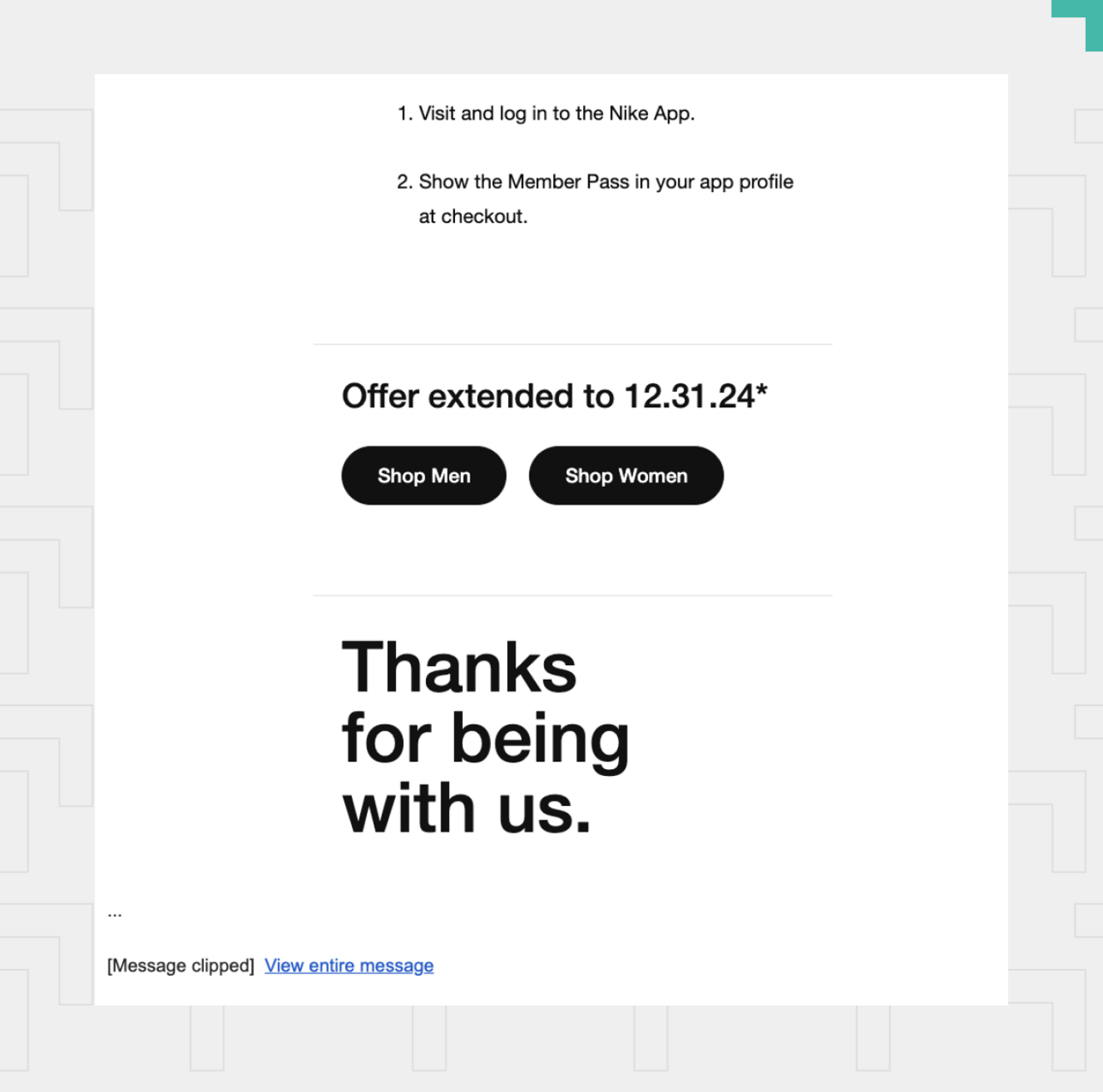
So, how exactly do you end up with such large emails?
The problem often lies in how most eCommerce email providers build their email designs. They use HTML5 code, which is widely used but isn’t responsive and doesn’t adapt to different email clients.
Things like links, images, bolding, colors, and different HTML properties cause expansion in email limits which will cause an email to be clipped.
One way to help reduce the size of emails is to use modern language like MJML - Mailjet Markup Language, which is a framework that’s been widely adopted by many ESPs.
Sure, you could just say “screw it” and send plain text emails—that will solve the clipping problem.
But eCommerce brands need visuals in their emails. How else will you show off your awesome products and grab your customers’ attention?
And on that note, we will leave you with one recent lesson I’ve learned on Gmail clipping: links.
Adding too many links causes large, bloated sizes. Changing those links to a different blue, highlights, bolds, italics…will bloat it even further.
I’ve seen 2-3 links cause 100kbs of space used, because we changed it to the the PROPER blue, the italics, bolded and underlined it..
We learned that the hard way with different newsletters we’ve done.
We hope our linking misfortune brings you optimized email luck in the future!
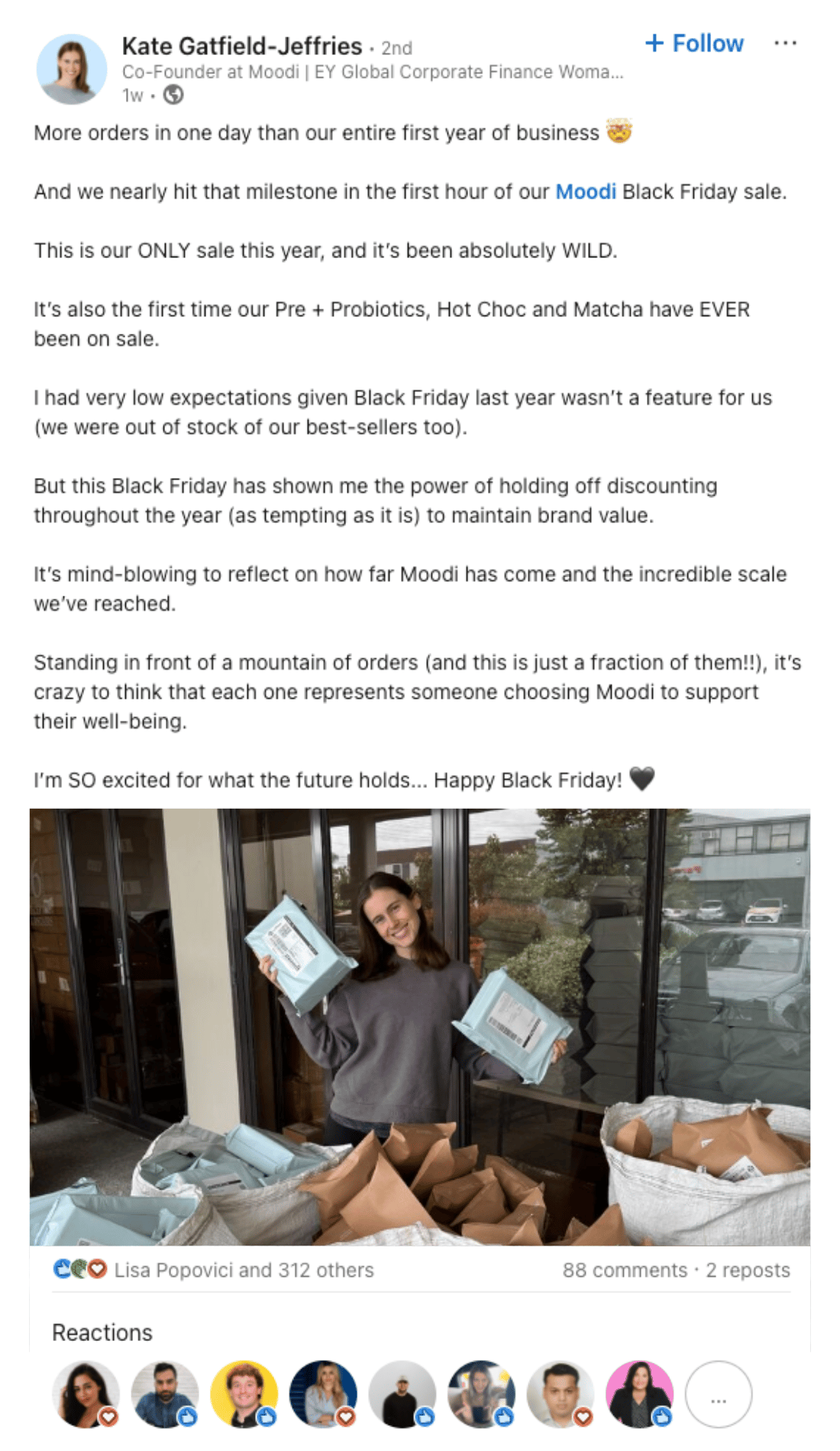
The Black Friday wins keep rolling in! Kate over at Moodi just shared that they sold more in one hour than they did in an entire year of business. One. Hour. 🎉 We see you, Kate—keep crushing it!
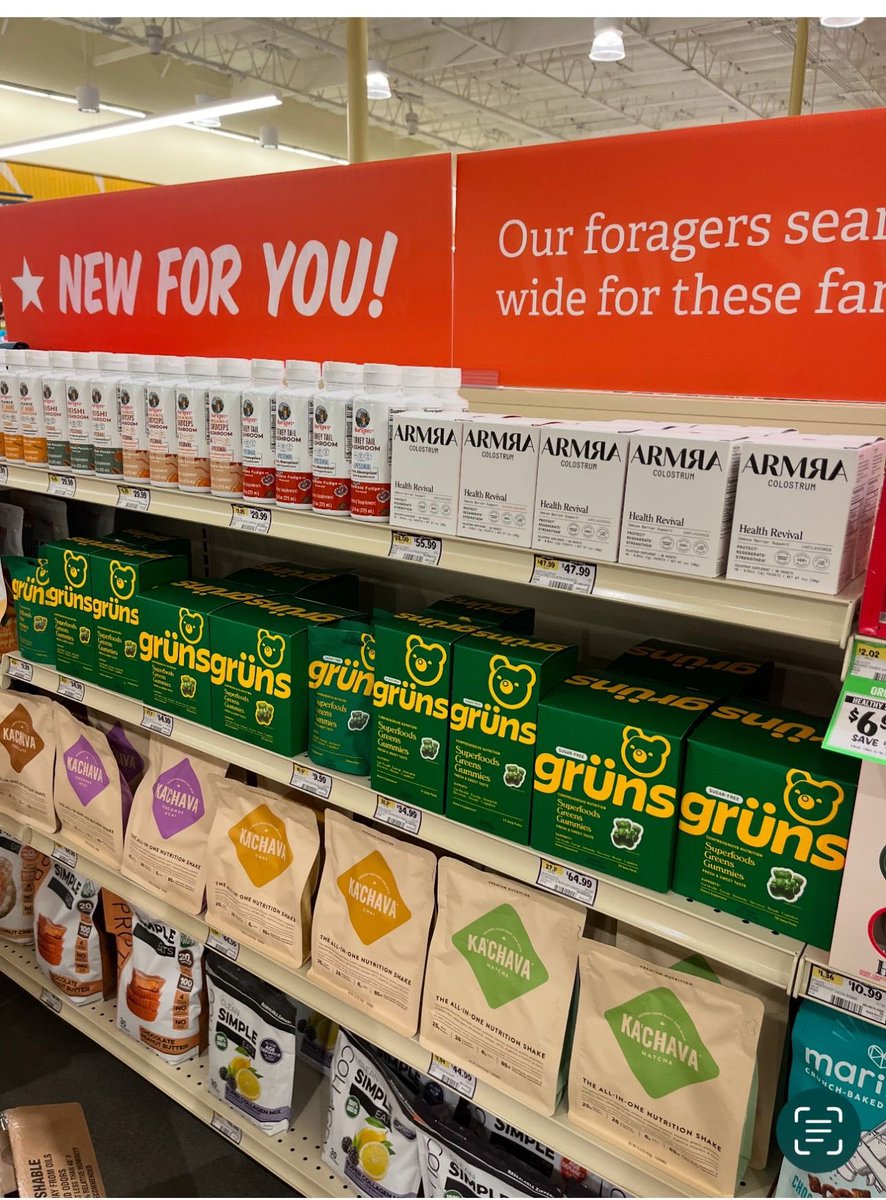
And a big shoutout to Grüns for snagging shelf space in all 460 Sprouts locations. Big moves!


Yay!! Grüns is officially nationwide at all 460 Sprouts locations. 🐻 It’s been fun in the last week to get texts from friends who have stumbled on it. Thanks for supporting!
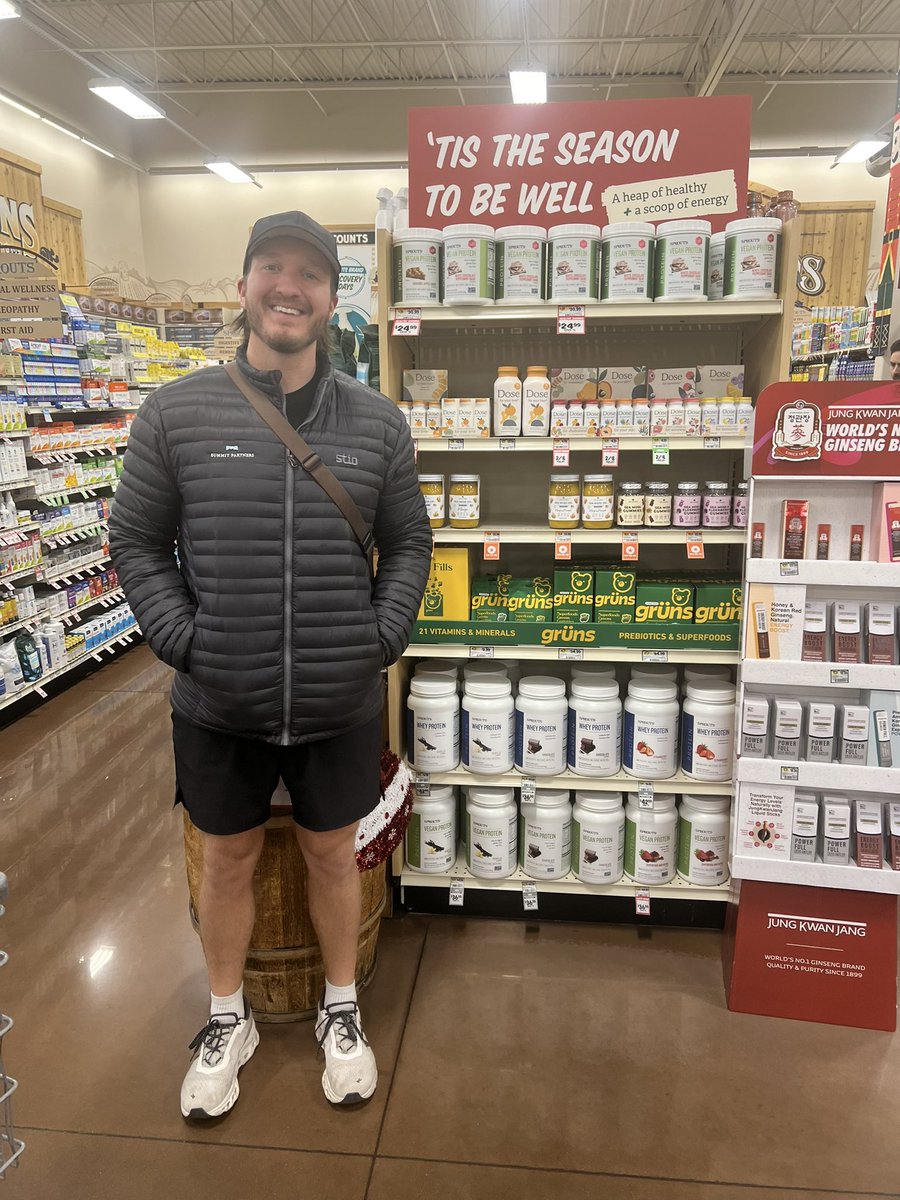
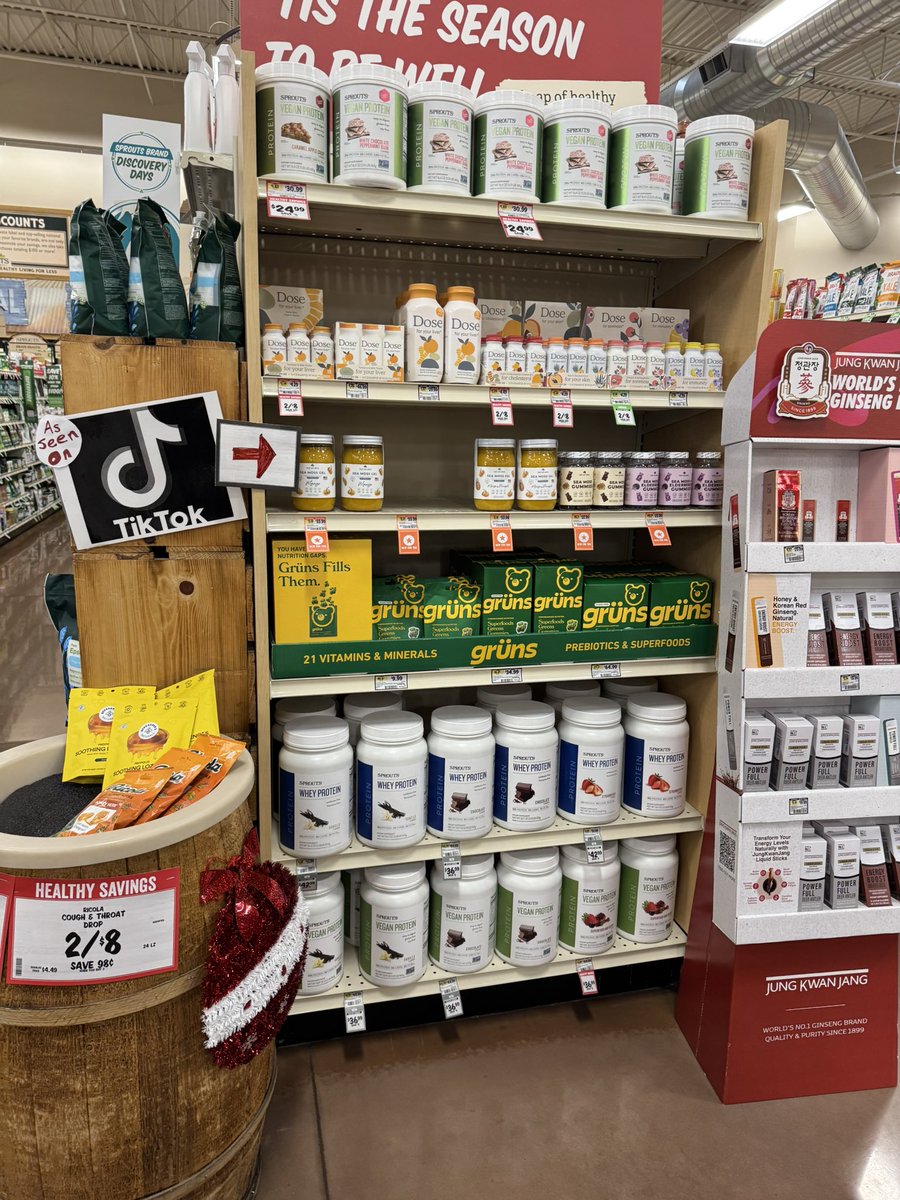
9:53 PM • Dec 9, 2024
71 Likes 2 Retweets
22 Replies
New This Week:
That’s a wrap for this week’s edition!
Thanks for spending some time with Chase and me! If you enjoyed this newsletter or found it helpful, spread the love—share ecomemailmarketer.com with your favorite DTC marketer. Let’s get them subscribed so they’re in the loop for next week’s updates! 🚀
Remember: Do shit you love.
🤘 Jimmy Kim


Update your email preferences or unsubscribe here
© 2024 eCom Email Marketer
8701 Bellancia Drive
Austin, TX 78738, United States of America