You’re about to send 1,000 emails to the wrong person
A lot of your December orders are going to someone who’s never heard of you.
That’s the thing about gift season. The person paying isn’t the person opening the box, but most post-purchase flows treat them like the same customer. So the buyer gets “how’s your new sweater fitting?” and the person actually wearing it gets nothing at all.
It’s an easy fix, and it’s one of the few chances you get all year to meet a brand-new customer for free. Today we’re walking through how to set it up before the gift orders start rolling in. 👇
3 things to check before you log off for Thanksgiving
Your Black Friday sends are probably scheduled by now. Before you close the laptop, take 10 minutes for these:
✓ Check every code’s end date. Make sure your BFCM codes expire when the emails say they do, and that the “last chance” email doesn’t go out after the code stops working.
✓ Leave recent buyers out of the sale sends. Anyone who bought full price in the last 2 weeks doesn’t need to find out it’s 30% off now. Send them something else, or nothing.
✓ Send yourself every scheduled email. Read them on your phone. Broken links and the wrong date are a lot easier to fix on Wednesday than on Friday morning.
Your post-purchase flow thinks every Christmas order is for the buyer: the 5-step fix for gift orders
From now until Christmas, a big chunk of your orders are gifts. Someone picks it out, pays and ships it to someone else. Then your post-purchase flow kicks in and talks to the buyer like they’re the one using it.
So the buyer gets “how’s it fitting?” for a sweater they’ve never worn, plus a review request for a product they’ve never touched. And the person who actually opened the box, the one who could be your next customer, never hears from you at all.
Here’s how to fix both sides before the gift orders really pick up, with the setup, the copy and a real example for each step.
1. Spot the gift orders
You don’t need to ask anyone. Most gift orders already tell you, so tag an order as a gift when any of these show up:
✓ A gift note or gift message on the order
✓ Gift wrap or a gift receipt added at checkout
✓ A shipping name or address that’s different from the billing one
✓ A “this is a gift” box, if your checkout or a gift app has one (that’s your cleanest signal)
How to set it up: save “gift order” as a tag or property on the order, then add a split at the top of your post-purchase flow. Gift orders go down one path and everything else keeps the flow you have now. It won’t catch every gift, but it’ll catch most of them, and the ones it misses just get your normal emails.
2. Give the buyer emails about the gift, not the product
The buyer did their part. Now they want 2 things: to know it’ll arrive on time, and an easy way to sort out the next person on their list.
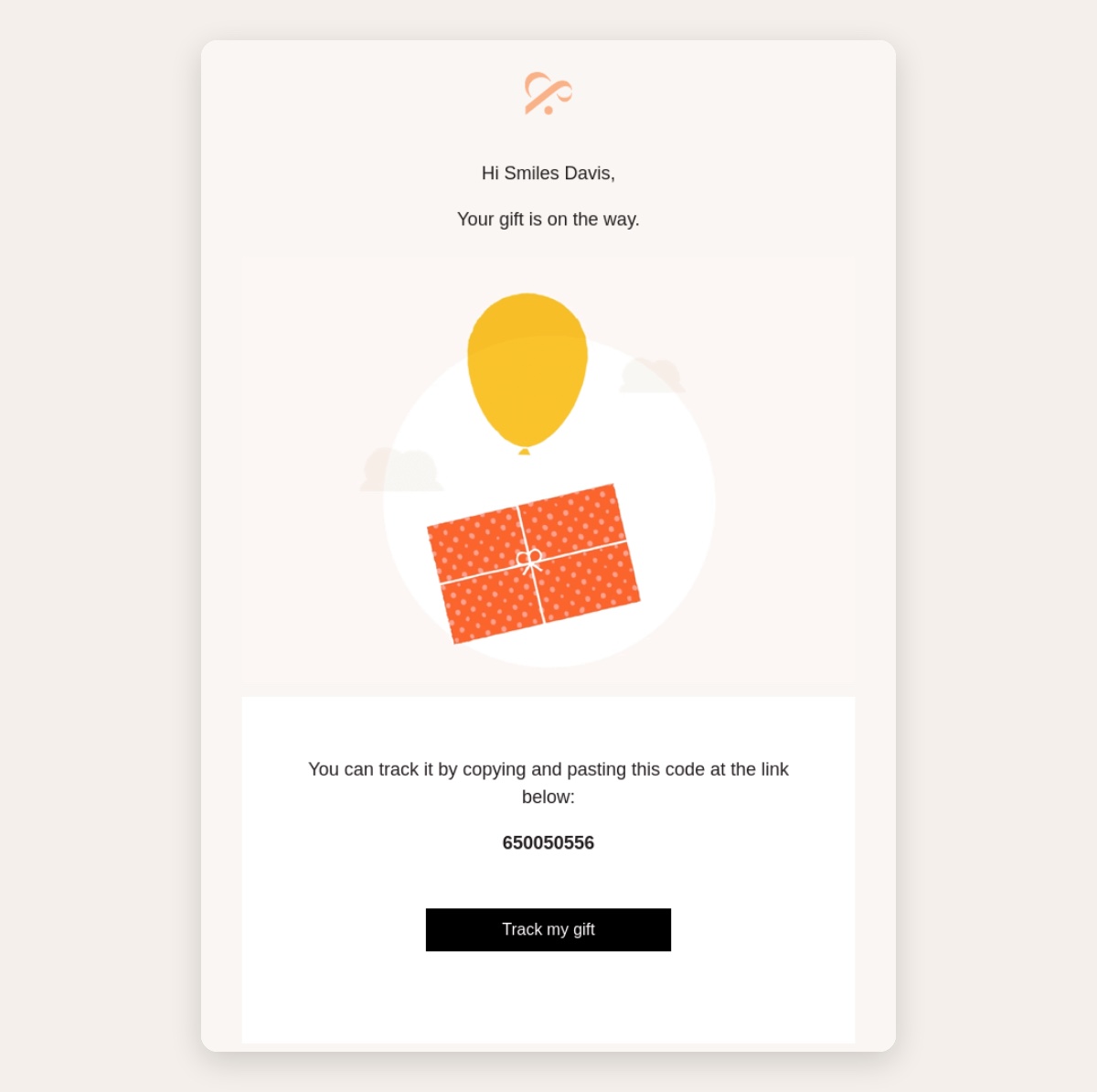
&Open’s version is a good model. The whole email is about the gift: a headline that says it’s on the way, a tracking code and 1 button that says “Track my gift.” No product tips, and no upsell squeezed in.
✓ Shipping email subject: “Your gift is on its way to Sam” (use the shipping name)
✓ First line: “It’s arriving by Tuesday, December 22nd, so you’re all set for Christmas.”
✓ Follow-up 2 days later: “Got 1 more person on your list?” with 3 gift ideas under $50
And tell them how the gift receipt works so they can pass it along. That one line saves you a pile of “my mom needs a different size” tickets in January.
3. Hold the review request
Here’s what a standard review request looks like:
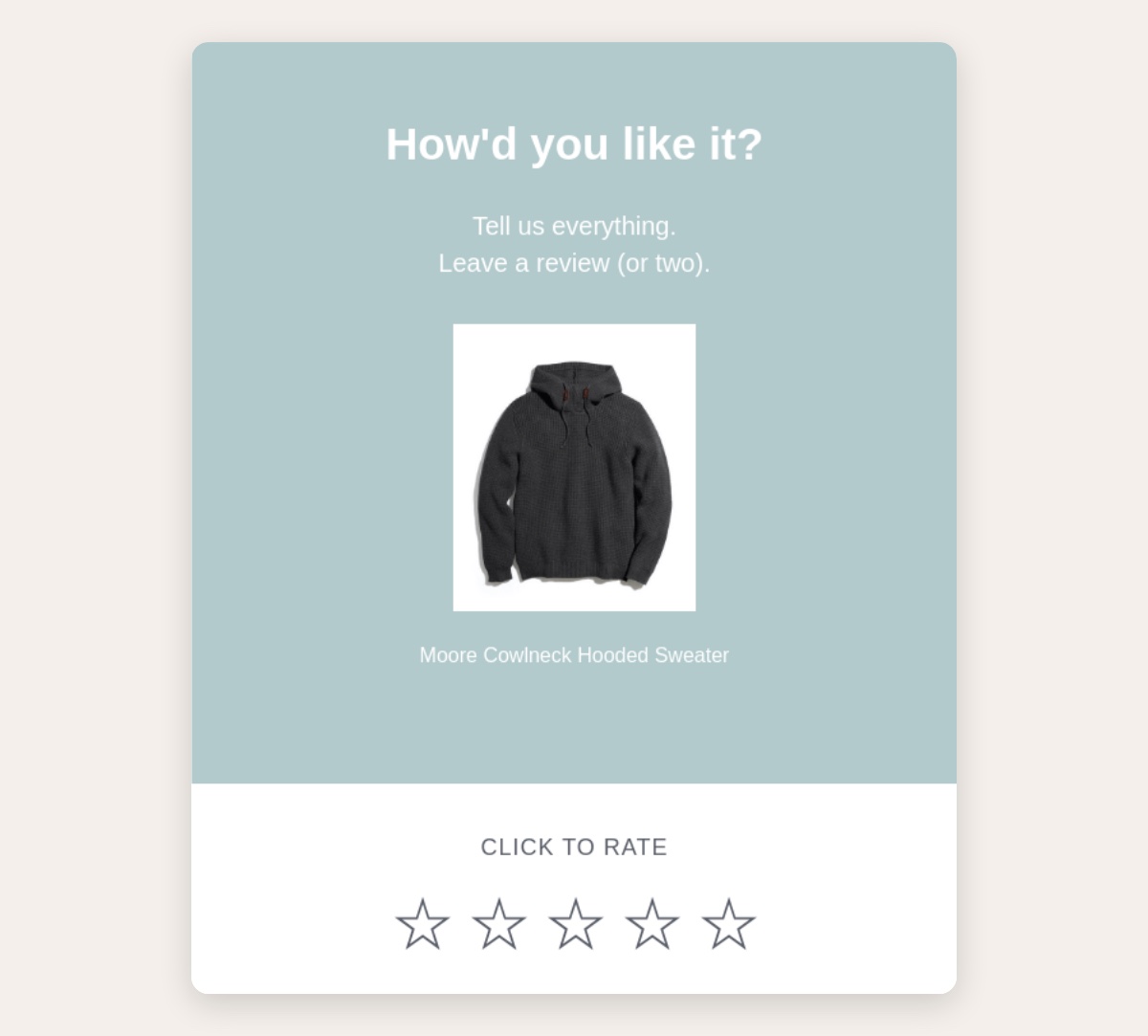
It works great when the buyer is the one wearing the sweater. For a gift order, it gets you nothing, or a review of the shipping.
So for gift orders, pause the review request and send it in mid-January instead, with a different ask:
✓ Subject: “Did they love it?”
✓ Body: “We hope the gift was a hit. If you’ve got 30 seconds, tell us how it went. It helps the next person figure out what to give.”
People love telling you their gift landed. You’ll get more reviews from this than from the standard version.
4. Reach the person who got the gift
The recipient is the real prize here. They’ve got your product in their hands, they’ve never been on your list and you didn’t pay a cent to reach them.
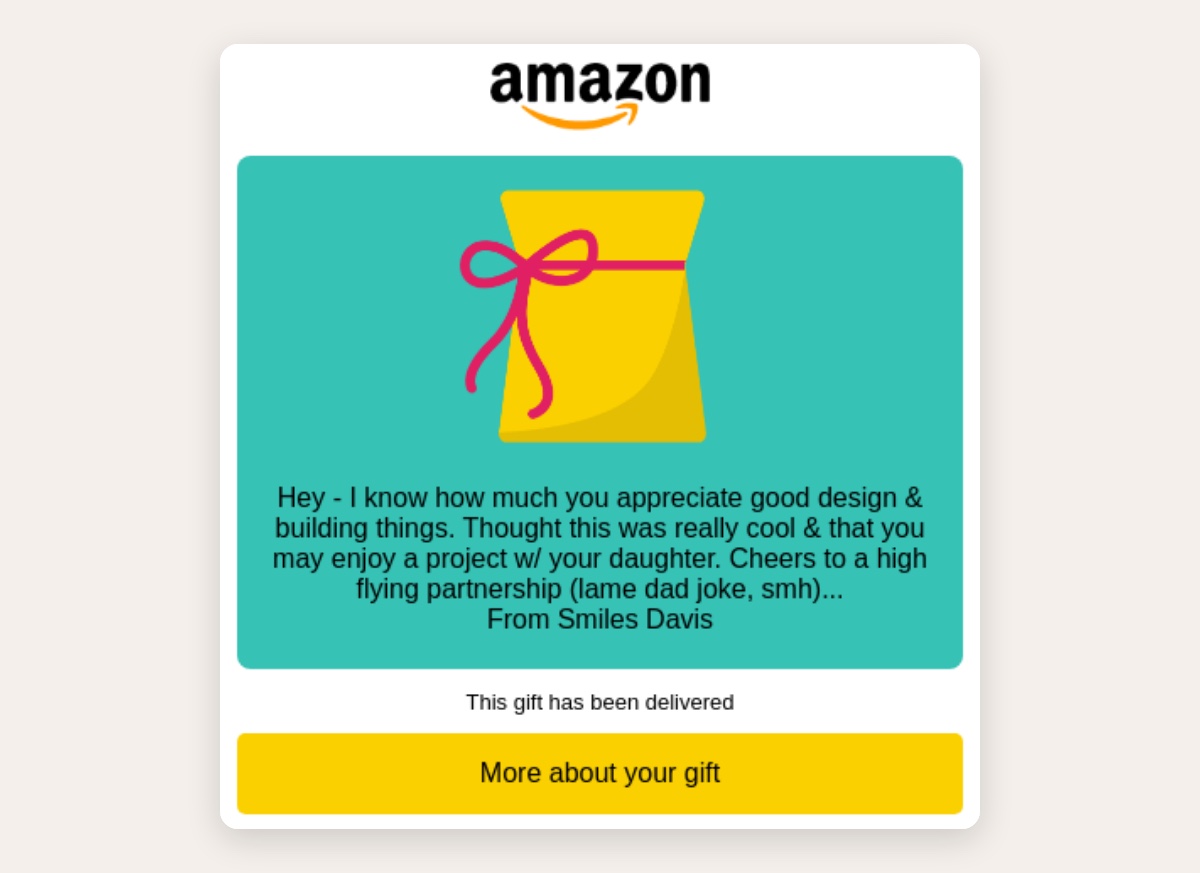
If the buyer gives you the recipient’s email (some gift options ask for it), send 1 email that delivers the gift message, like Amazon does here. The note is the whole email. Use that address once, for this, and don’t add them to your list unless they opt in.
Most of the time you won’t have their email, so put the ask in the box instead:
✓ A card with a QR code. “Got this as a gift? Scan for easy exchanges and 15% off your first order.”
✓ An exchange page that asks for an email. People who want a different size or color will happily give you one.
✓ A signup form on the page the QR code opens, so the welcome flow in step 5 has somewhere to start.
5. Bring both of them back in January
January is when you turn December’s gift orders into 2 customers.
For the recipient: send a welcome that knows they got your product as a gift. Drizly’s version opens by mentioning the gift, then explains what Drizly actually is, since the recipient probably didn’t pick it.
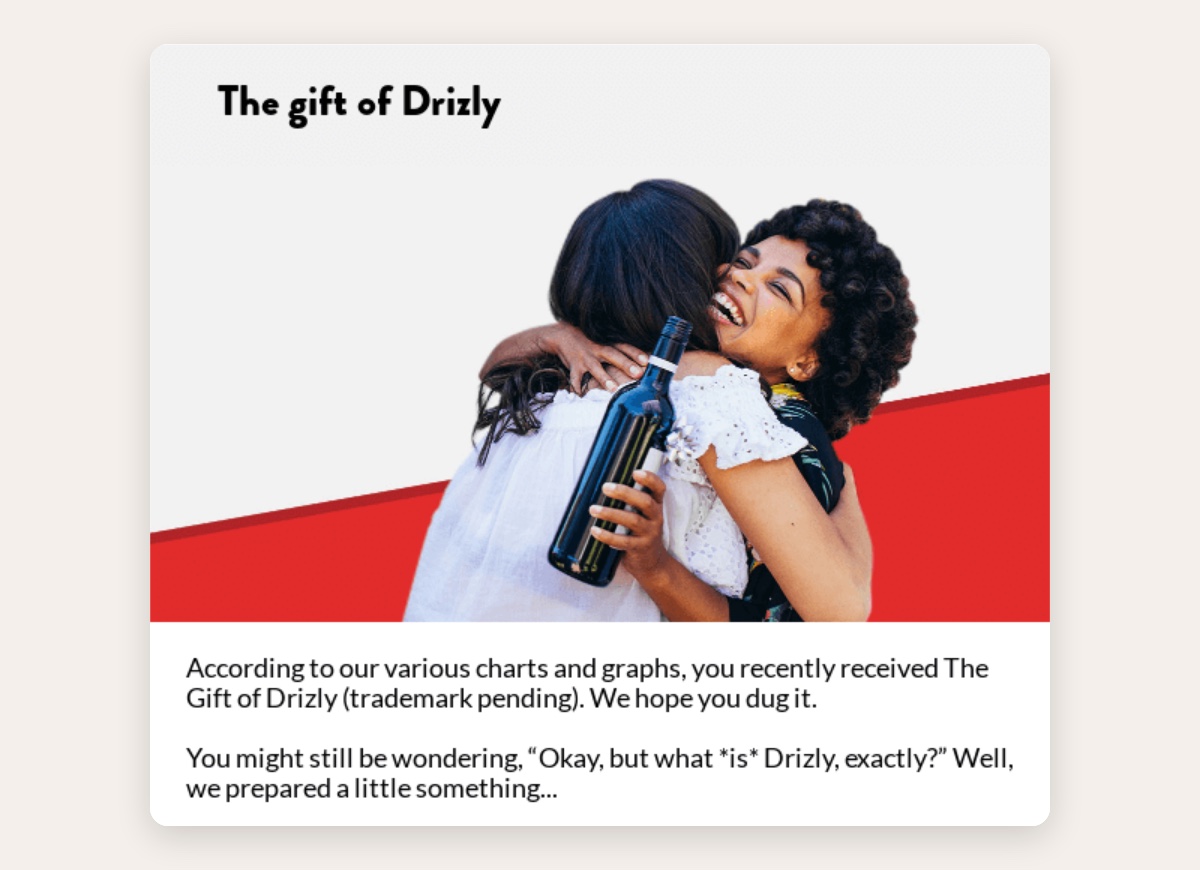
Start with how to get the most out of what they got, then show what goes with it.
For the buyer: they spent December shopping for everyone else. Moment sends a “Gift Yourself” email after the holidays, with a hero that asks, “Didn’t get what you want?”
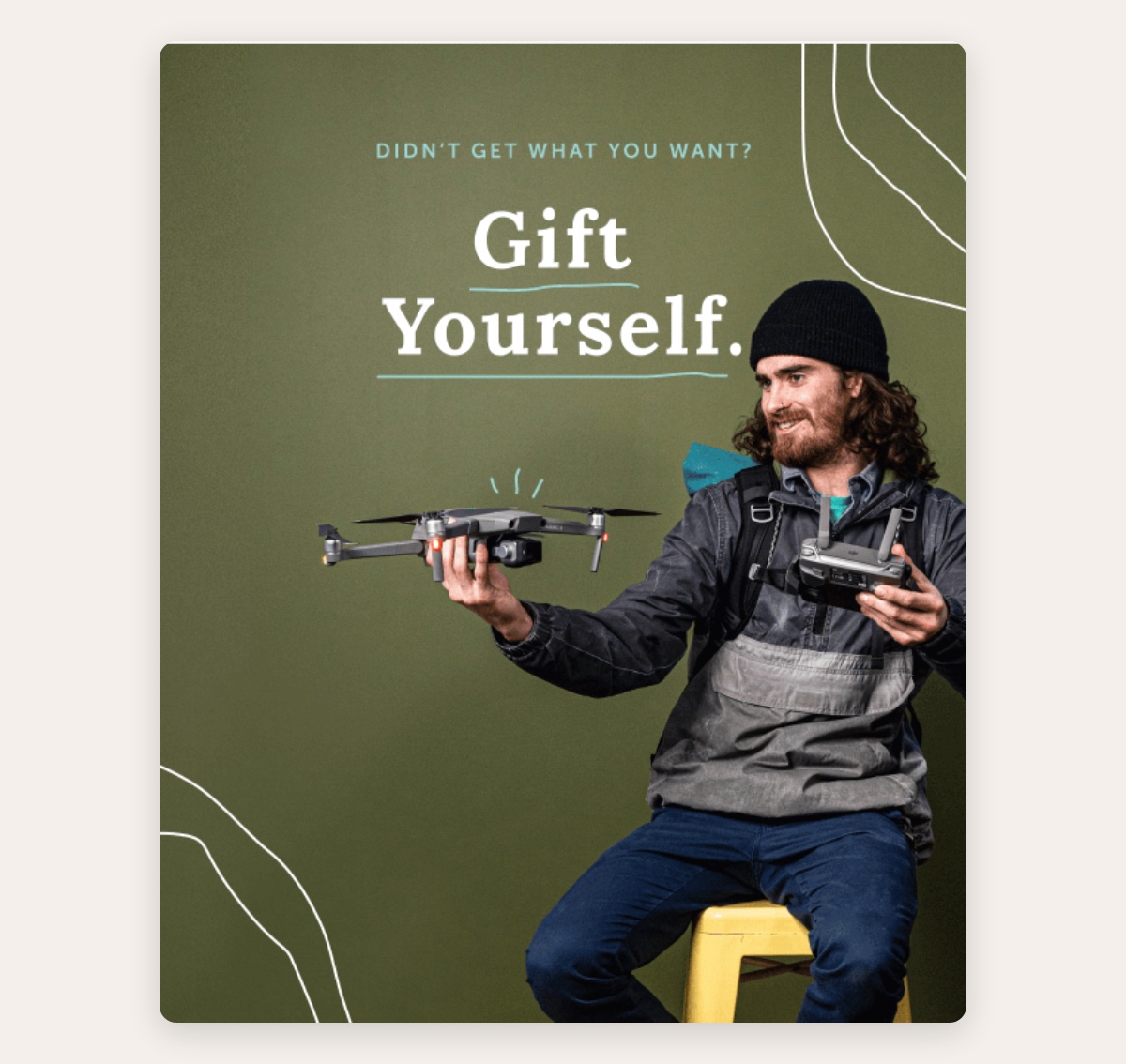
Copy to steal: subject “Your turn,” with a small offer on the category they bought as a gift.
Set it up before the gift orders start
✓ Tag gift orders using gift notes, gift wrap and different shipping names
✓ Split the post-purchase flow so gift orders get their own path
✓ Swap product tips for shipping dates and a “1 more person?” email
✓ Move gift review requests to mid-January and ask “Did they love it?”
✓ Put a QR card in every box and link it to a signup and exchange page
✓ Send recipients a gift-aware welcome and buyers a “your turn” email in January
You’ve got a few days before the gift orders really pick up. That’s enough time to get the split in place.
Jimmy’s secret sale (please don’t forward this to Chase)
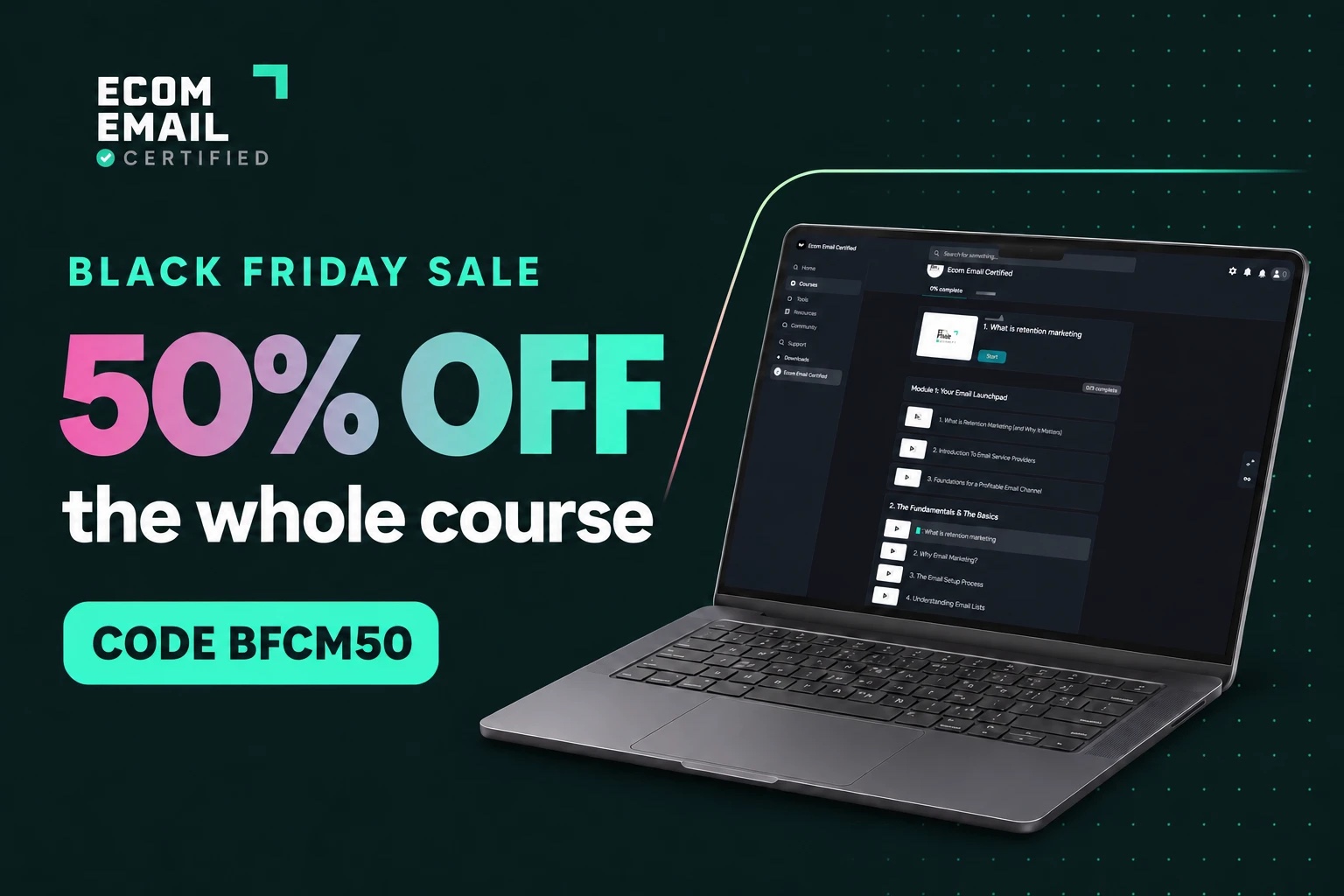
Here’s the situation. Jimmy put eCom Email Certified on sale for Black Friday, and Chase still thinks it’s full price.
So for the next few days, it’s 50% off with code BFCM50. That’s $997 down to $498.50 for 175 lessons on flows, campaigns, segmentation and deliverability, plus the Omnisend and Klaviyo masterclass and the certification.
If your Black Friday numbers show a few leaks next week, this is how you fix them before January.
The sale ends after Cyber Monday, or whenever Chase opens this email. Whichever comes first.
Get 50% off before Chase finds out →
The DTC Scoop
Crocs’ new mascot pulled 80,000 people into a TikTok Shop live
Crocs hatched a mascot in August: Niles, a 6-foot crocodile with 13 stripes, one for each hole in the shoe. On November 17th he went live on TikTok Shop with Crocs’ chief brand officer to launch a $29.99 Niles plush. More than 80,000 people tuned in, and the shop picked up 8,000 new followers.
Pura wants to be the Spotify of fragrance
Smart diffuser brand Pura passed 9 figures in revenue this year, up 15%, and now carries scents from 36 partner brands, including Capri Blue, Nest and Disney. Its holiday drop is 2 New York City Ballet scents, The Nutcracker and Sugar Plum Fairy, sold only on Pura’s own site.
FabFitFun’s holiday box is on Walmart shelves
FabFitFun is selling a limited $30 holiday box in about 3,000 Walmart stores this season. It holds 4 full-size beauty products worth $140, and it’s the subscription brand’s first retail partnership.